OpenClaw Setup Guide
A comprehensive guide to setting up OpenClaw as your AI life operating system
Background
I'm Zakk -- a software engineer and consultant based in Austin, TX. I run OpenClaw on a Mac Mini that stays on 24/7, connected to Telegram as the primary interface. My agent is named Chewbotca (Chewy). I also consult and help people set up their own OpenClaw assistants -- whether for managing their personal life or running their business.
Over the past few months, Chewy and I have built out a pretty comprehensive system together. This guide documents everything so you can steal what's useful and adapt it for your own agent.
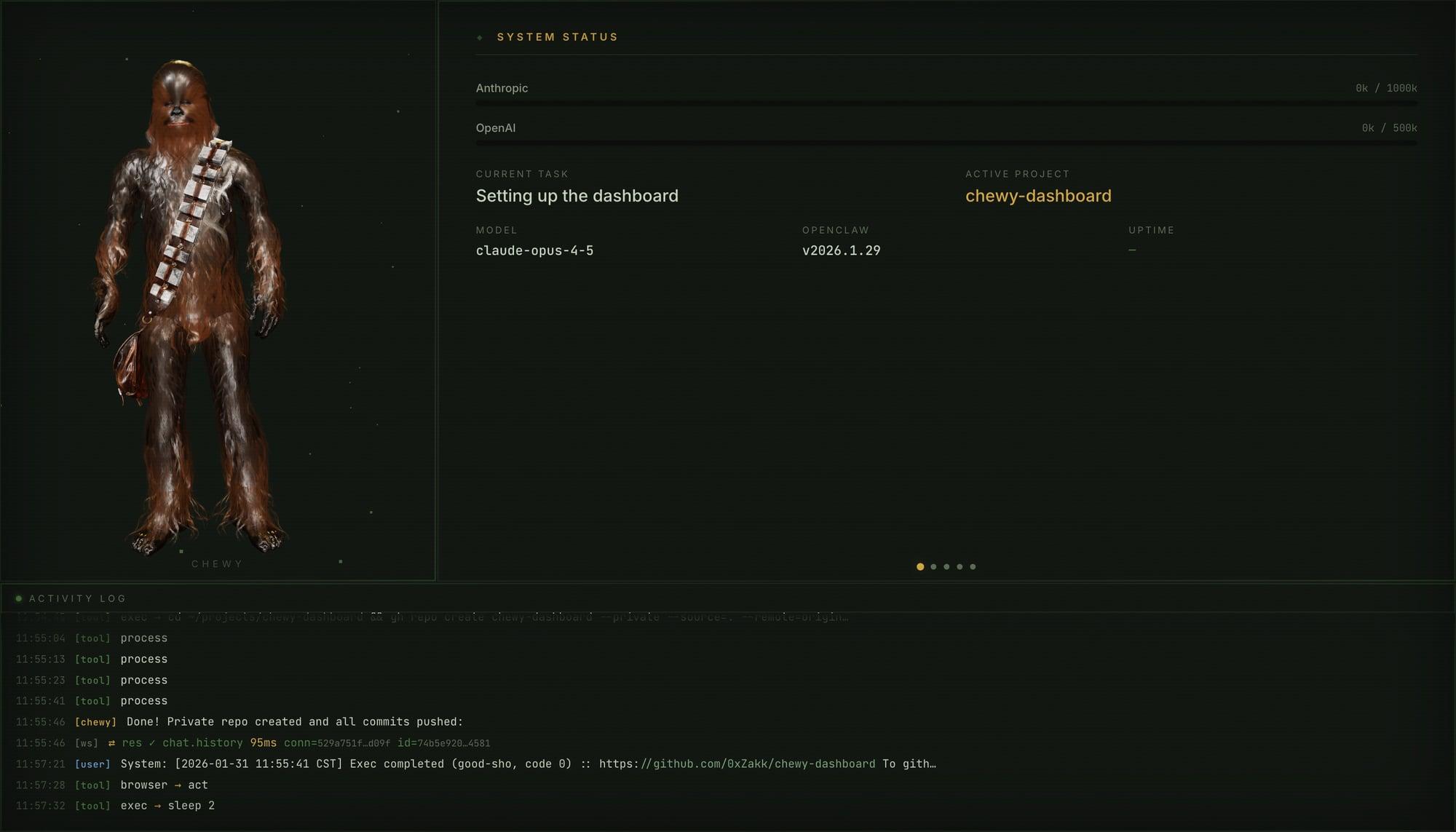
Here's what OpenClaw actually does for me day-to-day:
- Runs my daily operating system -- morning planning, evening reflections, weekly and monthly reviews all show up in my LogSeq journal automatically via cron jobs. I just fill them in.
- Manages my knowledge base -- I send it books, articles, and papers. It processes them into a zettelkasten vault with 350+ atomic literature notes, all cross-linked and searchable.
- Writes in my voice -- I captured my writing patterns into a voice profile, so tweet drafts and article outlines actually sound like me.
- Builds software -- I give it specs and it delegates coding to Claude Code and Codex sub-agents. I've shipped multiple projects this way.
- Handles groceries -- it knows my diet and builds my Whole Foods cart each week via browser automation.
- Keeps itself healthy -- nightly search index rebuilds, weekly security audits, update checks, memory maintenance. All automatic.
Each section below covers one piece of the system. Every page has a description of what it does and a setup prompt you can adapt.
How to Use This Guide
This documents my setup. It's not a prescription. If you try to take everything here and set it all up in your own agent, you're going to end up with a mess -- a bunch of systems you don't actually use, configured for someone else's workflow.
Instead, browse through, find the things that are relevant to how you work, and adapt those. Maybe you don't use LogSeq and don't care about zettelkasten -- skip that whole section. Maybe you don't need grocery automation but the memory system sounds useful -- just set that up. The whole point is to show what's possible and give you setup prompts you can modify for your own use case.
I built this over months, adding things as I needed them. You should do the same. Start with the basics (identity, memory, a couple cron jobs) and grow it from there based on what's actually useful to you.
Where to Start
Categories
Foundation
Agent identity, memory, user profile, file organization, voice profile
Knowledge Management
Zettelkasten vault, note processing, semantic search, vault maintenance
Life OS
Daily check-ins, writing logs, weekly and monthly reviews
Content Creation
Tweet pipeline, X writing system, voice-matched ghostwriting
Development
Coding agents, spec-driven development, GitHub integration
Automation
Grocery ordering, heartbeat system
Infrastructure
Search, transcription, security, cron jobs, Telegram